Guides that get it done.
Clear, practical answers to everyday file problems — and the free tool to fix each one in your browser.
Image tools
Compress image · 3 min read
How to compress images without visibly losing quality
Make JPG, PNG and WebP photos smaller for email, websites and uploads. Learn which quality settings work, why PNGs behave differently, and how to check results.
Reduce image size in KB · 2 min read
How to reduce a photo to 100 KB, 50 KB or 20 KB
Application forms and portals often demand photos under a set size in KB. Here's how to hit the target reliably, what to do when you can't, and how KB is counted.
Resize image · 2 min read
How to resize an image to exact pixel dimensions
Resize photos by width, height or percentage without stretching them. Learn the difference between fit, fill and stretch, and when enlarging makes sense.
Bulk image resizer · 2 min read
How to resize many photos at once (and download them as a ZIP)
Resize a whole batch of product, holiday or event photos with one set of options. See how to prepare a batch, handle mixed formats, and download everything together.
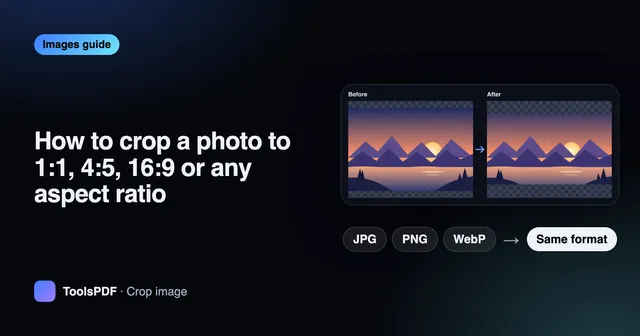
Crop image · 2 min read
How to crop a photo to 1:1, 4:5, 16:9 or any aspect ratio
Crop photos for profile pictures, social posts and banners. Understand aspect ratios, use presets or exact pixels, and keep the best part of the frame.
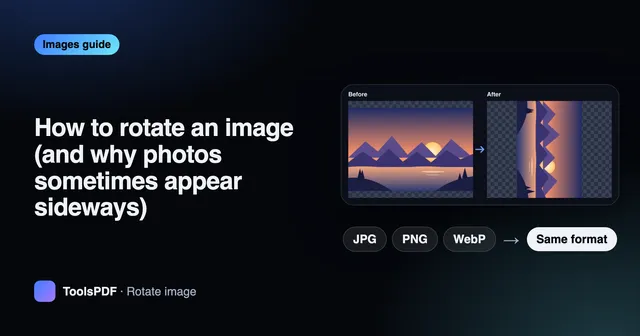
Rotate image · 2 min read
How to rotate an image (and why photos sometimes appear sideways)
Rotate photos 90° or 180°, one at a time or in batches. Learn why phone photos show up sideways on some sites and how to fix them for good.
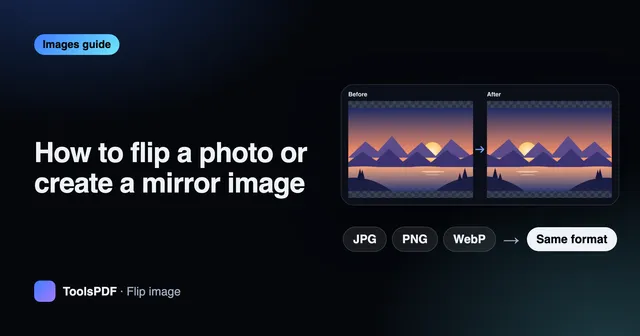
Flip image · 2 min read
How to flip a photo or create a mirror image
Mirror photos horizontally or vertically: fix reversed selfies, flip product shots for layouts, and understand the difference between flipping and rotating.
Convert image · 2 min read
JPG, PNG, WebP, HEIC or AVIF? Image formats explained
A practical guide to the main image formats: what each is good at, which ones support transparency, and how to convert between them without losing quality.
WebP to JPG · 2 min read
How to convert WebP to JPG (and why you might need to)
Saved an image that turned out to be WebP? Here's why some apps and forms reject it, how to convert WebP to JPG in your browser, and what happens to transparency.
PNG to JPG · 2 min read
PNG vs JPG: when to convert PNG to JPG (and when not to)
PNG and JPG suit different images. Learn when converting PNG to JPG saves lots of space, when it ruins sharp graphics, and how transparency is handled.
JPG to PNG · 2 min read
How to convert JPG to PNG — and what it can't do
Convert JPG photos to PNG for editing or for apps that require PNG. Learn why it won't improve quality or add transparency, and when it's actually useful.
Convert to WebP · 2 min read
How to convert JPG and PNG to WebP for a faster website
WebP images are usually smaller than JPG and PNG, so pages load faster. Learn how to convert, which quality to pick, and how to keep transparency.
HEIC to JPG · 2 min read
How to convert iPhone HEIC photos to JPG on any device
HEIC photos from iPhones don't open everywhere. Learn what HEIC is, how to convert HEIC to JPG on Windows, Android or Chromebook, and what happens to Live Photos.
AVIF to JPG · 2 min read
What is AVIF, and how do you convert AVIF to JPG?
AVIF is a modern image format with very small files. Learn where you'll meet it, why some apps can't open it, and how to convert AVIF to JPG or PNG.
Reduce image size in KB · 2 min read
How to resize a photo and signature for online application forms
Meet exam, job and government form rules like “JPG, 20–50 KB, 200 × 230 px”. Crop, resize to exact pixels and hit the KB limit — step by step.
Resize image · 2 min read
What is DPI? Image resolution explained simply
DPI, PPI and pixels explained: what matters for screens, printing and upload forms, how to calculate print size, and when changing DPI does nothing.
Compress image · 2 min read
Lossy vs lossless compression: what's the difference?
Why JPG shrinks photos so well, why PNG stays sharp, and when compression costs quality. A plain-English guide to choosing the right format and setting.
Convert to WebP · 2 min read
How to optimize images for a faster website
A practical checklist for web images: the right pixel size, WebP, sensible compression and file-size targets — to speed up pages and improve Core Web Vitals.
Convert image · 2 min read
Are online file converters safe? What to check first
Most online converters upload your files to a server. Learn the risks, how in-browser tools differ, and a quick checklist before converting private documents.
Crop image · 2 min read
How to make a YouTube thumbnail at the right size
Create a 1280 × 720 thumbnail from a photo or video frame: crop to 16:9, resize, add bold text and keep it under the upload size limit.
PDF tools
Compress PDF · 2 min read
How to compress a PDF for email and upload limits
Shrink large PDFs to fit email attachments and portal limits. Learn why some PDFs compress well and others don't, and which compression level to choose.
Merge PDF · 2 min read
How to merge PDF files into one document
Combine several PDFs into a single file in the order you choose. Tips for ordering, handling large files, and what to do with password-protected PDFs.
Split PDF · 2 min read
How to split a PDF into separate pages or page ranges
Extract the pages you need from a PDF: split by ranges like 1-3, 5, 8-, every few pages, or into single pages. Includes a guide to writing page ranges.
Organize PDF pages · 2 min read
How to reorder, rotate and delete pages in a PDF
Fix scanned PDFs with pages in the wrong order or upside down, and remove blank pages. Use page previews to rearrange a PDF without re-scanning.
JPG to PDF · 2 min read
How to convert JPG images to a PDF (one page per image)
Turn photos and scans into a single PDF for applications, receipts or sharing. Choose A4, Letter or image-sized pages, margins and page order.
PDF to JPG · 2 min read
How to convert PDF pages to JPG images
Export PDF pages as JPG images for slides, social posts or previews. Choose the right resolution (72, 150 or 300 DPI) and export only the pages you need.
Watermark PDF · 2 min read
How to add a watermark like CONFIDENTIAL or DRAFT to a PDF
Stamp text across every page of a PDF. Choose wording, size, transparency, colour and angle — and understand what a watermark can and can't protect.
Add page numbers · 2 min read
How to add page numbers to a PDF
Number the pages of a PDF in any corner, in formats like “Page 3 of 10”. Learn how to skip the cover page and start from any number.
JPG to PDF · 2 min read
How to scan documents to PDF with your phone
Photograph paper documents and turn them into one clean, small PDF: crop, straighten, combine pages in order, compress and number them — no scanner needed.
PDF to JPG · 2 min read
How to post a PDF on Instagram as an image carousel
Instagram doesn't accept PDFs, but you can turn pages into images: export at the right resolution, crop to a supported shape and post them as a carousel.
Audio tools
Audio cutter · 2 min read
How to cut an MP3 or any audio file online
Trim the start and end of MP3, WAV, M4A, OGG and FLAC files to keep just the part you need — for ringtones, voice notes, podcasts or clips.
Audio converter · 2 min read
How to convert audio to MP3 (and extract audio from video)
Convert WAV, M4A, OGG and other audio to MP3, WAV, M4A or OGG, or pull the soundtrack out of an MP4 video. Choose the right bitrate for music and speech.
Audio converter · 2 min read
Audio formats explained: MP3, AAC, WAV, FLAC and OGG
Compare MP3, AAC (M4A), WAV, FLAC and OGG/Opus: sound quality, file size and compatibility — and which to pick for music, podcasts, voice notes and editing.
Audio cutter · 2 min read
How to make a ringtone from any song or audio clip
Cut the best part of a song or recording, save it in the right format, and set it as your ringtone on Android or iPhone. Includes ideal length and tips.
Video & GIF tools
Video to GIF · 2 min read
How to make a GIF from a video clip
Turn a few seconds of an MP4, MOV or WebM video into a looping GIF. Choose the clip, width and frame rate to balance smoothness and file size.
Compress video · 2 min read
How to compress a video for email, WhatsApp or upload
Shrink large video files by lowering resolution and bitrate. Learn which settings keep video looking good, MP4 vs WebM, and how long compression takes.
Compress video · 2 min read
How to send large files by email when they're too big
Attachment too large? Shrink photos, PDFs and videos below email limits, split big documents, and know when to share a link instead.
Compress video · 2 min read
Video formats explained: MP4, MOV, WebM and MKV
Containers vs codecs, why some videos won't play, and which format to choose for sharing, websites and editing — explained without jargon.
AI & creative tools
Remove background · 2 min read
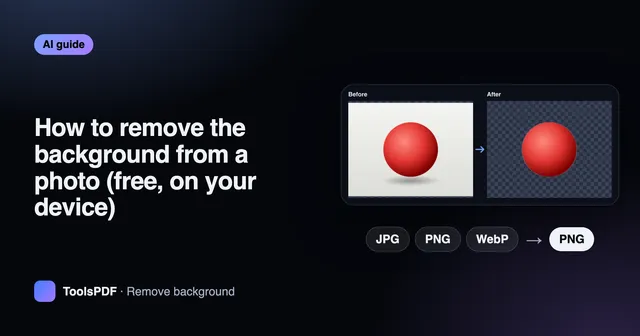
How to remove the background from a photo (free, on your device)
Cut out people, products and pets from their background and download a transparent PNG or place them on a colour. Tips for photos that cut out cleanly.
Upscale image · 2 min read
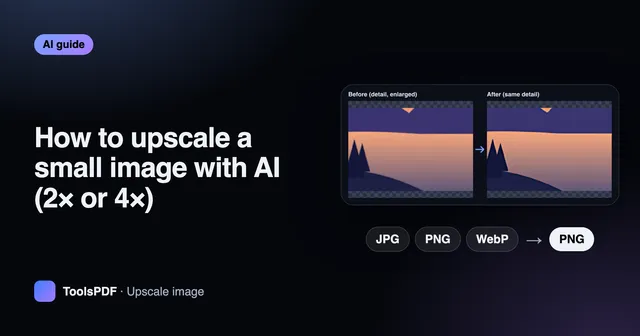
How to upscale a small image with AI (2× or 4×)
Enlarge small or low-resolution images with AI super-resolution instead of blurry stretching. Learn what upscaling can and can't recover, and the best inputs.
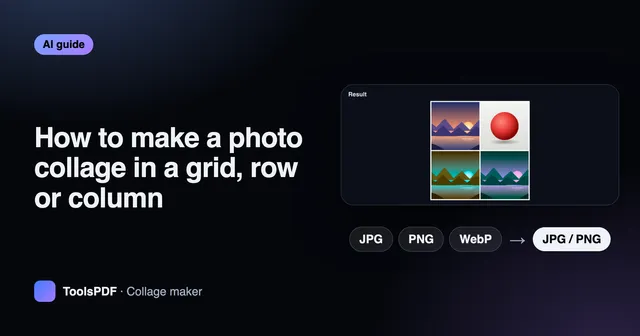
Collage maker · 2 min read
How to make a photo collage in a grid, row or column
Combine several photos into one image for social media, comparisons or before-and-after shots. Choose a layout, spacing and background, and set the order.
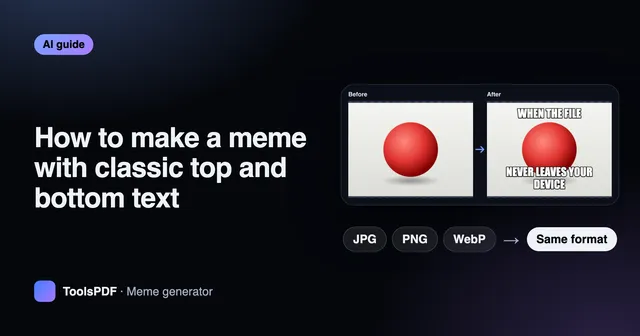
Meme generator · 2 min read
How to make a meme with classic top and bottom text
Add bold white captions with a black outline to any image. Tips for short, readable meme text that wraps and fits automatically.
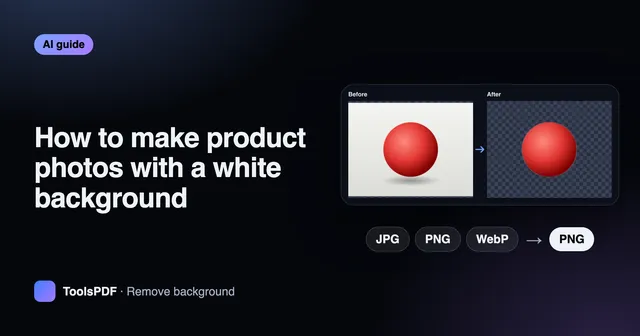
Remove background · 2 min read
How to make product photos with a white background
Turn phone photos into clean marketplace listings: remove the background, place the product on white, square-crop, resize and compress for fast pages.
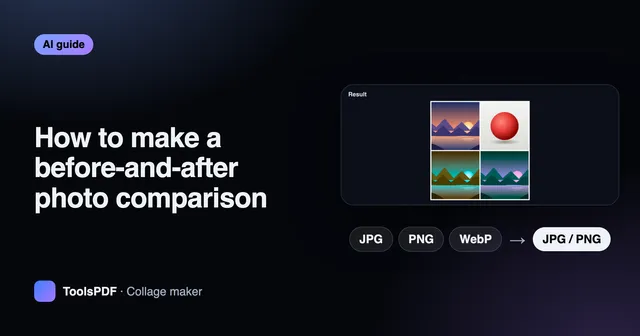
Collage maker · 2 min read
How to make a before-and-after photo comparison
Put two photos side by side for renovations, fitness progress, edits or repairs. Crop them to match, combine them in a row and add labels.