Last updated · 2 min read
Are online file converters safe? What to check first
Free online converters are convenient, but many work by uploading your file to someone else's computer. For a meme that hardly matters; for a passport scan, payslip or contract, it might. Here's how to judge a tool before you drop a private file into it.
How most converters work
A typical converter uploads your file to a server, converts it there, and offers a download link. While it's on the server, your file depends on that company's security, retention policy and honesty. Many delete files after a few hours, but you usually can't verify that.
In-browser tools are different
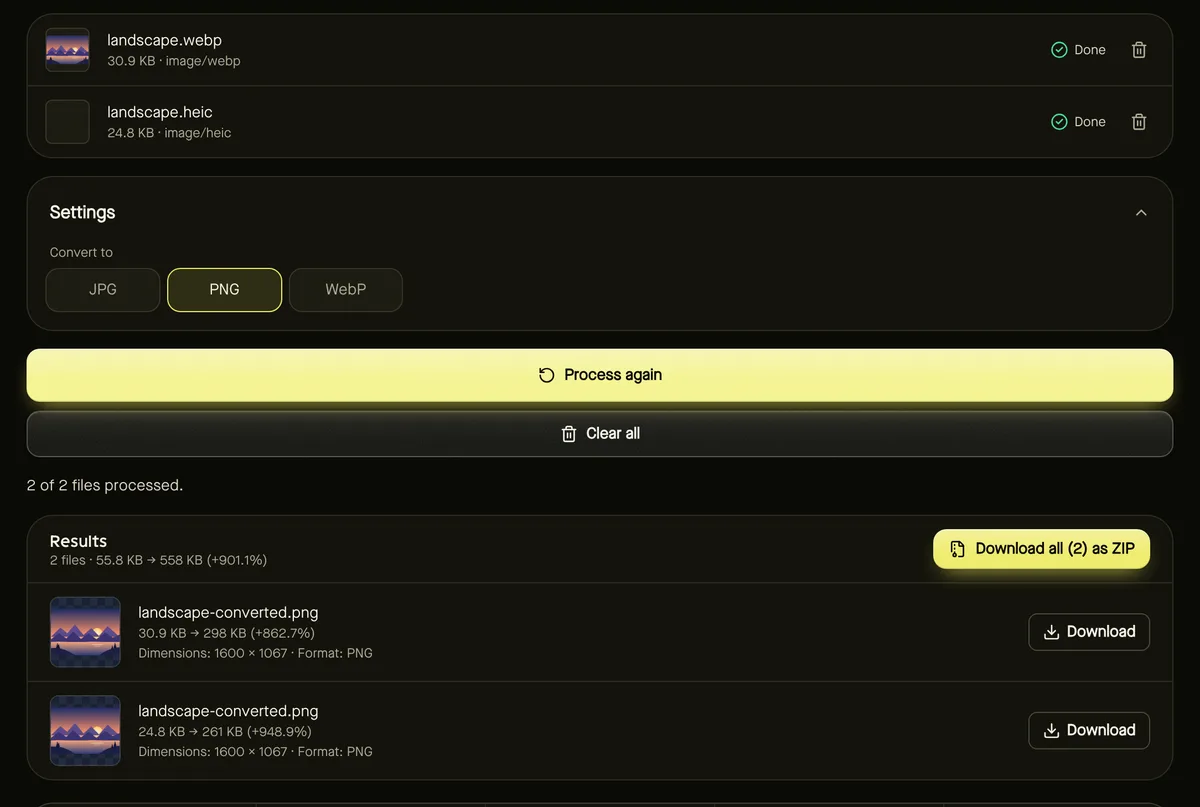
Modern browsers can decode images, render PDFs, and encode audio and video themselves. A tool built this way processes the file on your device: the page's code is downloaded, but your file never is. All the tools on this site work like this — from Convert image to Compress PDF and Remove background.
A quick safety checklist
- Read the privacy policy. Does it say files are uploaded, how long they're kept, and who can access them?
- Check the claims match. “Secure” or “encrypted” doesn't mean “not uploaded”. Look for a clear statement that processing happens in your browser.
- Watch the network. In your browser's developer tools (Network tab), a large upload request when you start a conversion means the file is leaving your device.
- Be wary of accounts and extras. Tools that require sign-up, installers or browser extensions for a simple conversion deserve extra scrutiny.
- Avoid sensitive files on unknown sites. For IDs, medical or financial documents, use a tool you've verified or software installed on your computer.
Hidden data inside files
Photos can contain metadata such as camera model, date and GPS location. When images are re-encoded in the browser — for example by Compress image — that metadata is removed. That's useful before sharing photos publicly, but keep originals if you need the information.
What in-browser processing can't do
Your device does the work, so very large videos or AI tools depend on its memory and speed, and a few formats depend on browser support. Good tools tell you clearly when a limit is reached instead of silently uploading the file to a server.
Frequently asked questions
Is HTTPS enough to keep my file private?
HTTPS protects the file while it travels, but if it's uploaded, the server receiving it can still read and store it.
Do the tools on this site upload files?
No. Files are processed in your browser; AI models are downloaded to your device, not the other way round.
Can I use these tools offline?
The page and its processing code need to load first, and some tools download extra components on first use, so an internet connection is needed to start.