Last updated · 2 min read
How to make product photos with a white background
Clean, consistent product photos make a shop look trustworthy, and some marketplaces require a plain white background for the main image. You don't need a studio: a decent phone photo plus a few in-browser steps gets you most of the way.
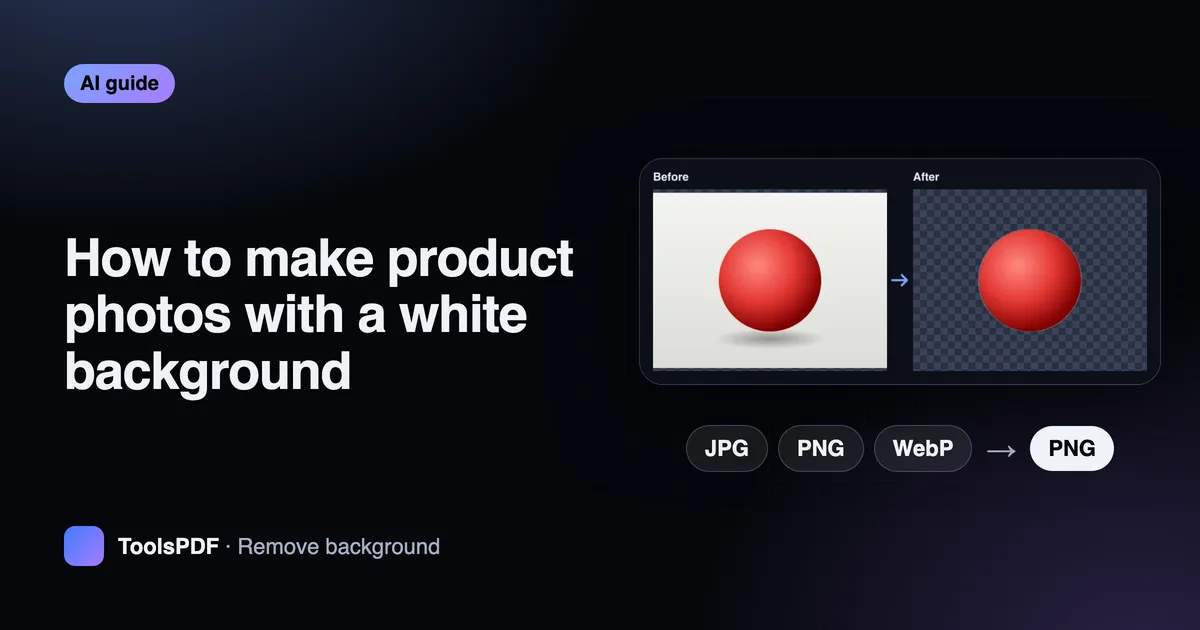
Take a photo that's easy to cut out
- Use soft, even light — near a window, out of direct sun.
- Place the product on a plain surface that contrasts with it.
- Fill most of the frame, keep the whole product in view, and hold the phone steady.
- Shoot from the angle shoppers expect: front first, then sides and details.
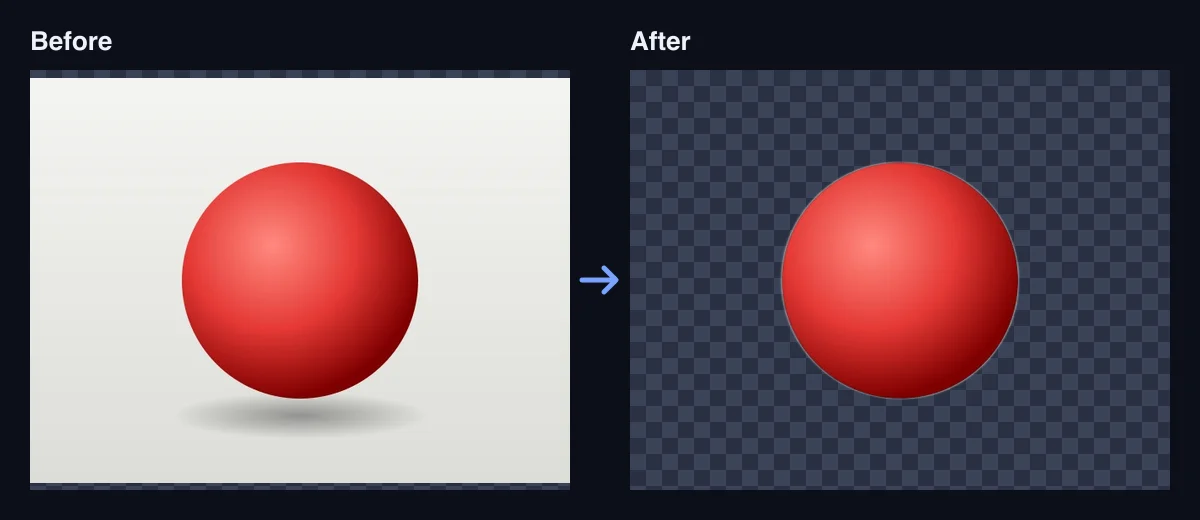
Remove the background
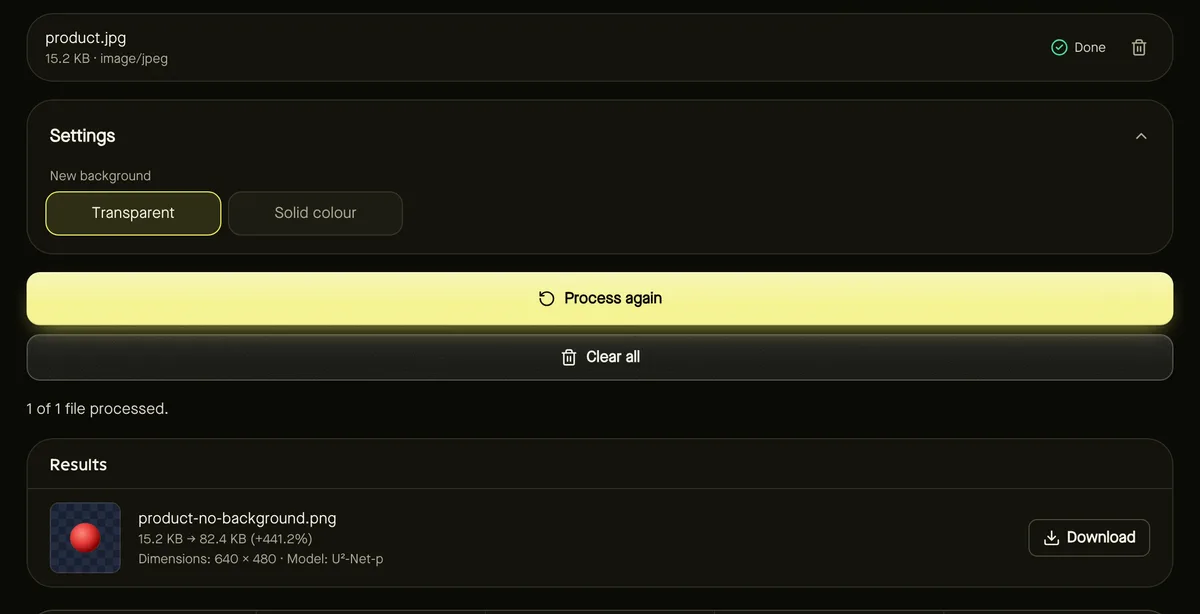
- Step 1: Open Remove background and add your photos — up to 10 at once.
- Step 2: Set New background to Solid colour and choose white (#FFFFFF).
- Step 3: Click Start, check each preview carefully around the edges, and download.
The AI model works best on clear, solid products. Thin straps, fur and transparent glass can be imperfect — re-shoot against a more contrasting background if the edges aren't clean. Read more in how to remove the background from a photo.
Crop, resize and compress
- Step 1: Crop to 1:1 so every listing image is square, with a similar margin around each product.
- Step 2: Resize to the size your platform recommends, for example 2000 × 2000 pixels, with the Bulk image resizer.
- Step 3: Convert to JPG for the smallest files with PNG to JPG — the output of background removal is PNG.
- Step 4: Compress at around 80% quality so pages load quickly.
Check your marketplace's rules
Requirements differ: some marketplaces, such as Amazon for main images, require a pure white background; others recommend minimum pixel sizes so shoppers can zoom. Check your platform's current seller guidelines and adjust the size and background to match.
Show the product in use
Beyond the white main image, lifestyle photos and detail shots help buyers decide. A collage is a quick way to show several angles in one image where that's allowed.
Frequently asked questions
Can I make the background a colour other than white?
Yes — choose any solid colour, or Transparent to place the product on your own design.
Why convert to JPG at the end?
A white background doesn't need transparency, and JPG files are much smaller than PNG for photos.
Are my product photos uploaded?
No. The AI model runs in your browser, so unreleased products stay private.