Last updated · 2 min read
Video formats explained: MP4, MOV, WebM and MKV
A video file that plays perfectly on one device and shows an error on another is usually a format problem. The confusion comes from the fact that a video “format” is really two things: the container and the codecs inside it.
Containers and codecs
The container is the file type — .mp4, .mov, .webm, .mkv. It's a box that holds the video and audio streams plus information like duration. The codec is how each stream is compressed — H.264, HEVC, VP9, AV1 for video; AAC, Opus, MP3 for audio. A device needs to understand both to play the file.
The common containers
| Container | Usual codecs | Strengths | Watch out for |
|---|---|---|---|
| MP4 | H.264 or HEVC + AAC | Plays almost everywhere | HEVC versions don't play on every device |
| MOV | H.264 or HEVC + AAC | Default for iPhones and Macs | Less convenient on some Windows and Android apps |
| WebM | VP9 or AV1 + Opus | Open, efficient, great for the web | Some older devices and apps can't play it |
| MKV | Almost anything | Flexible; multiple audio and subtitle tracks | Many phones, editors and browsers don't support it fully |
Which should you use?
- Sharing with anyone: MP4 with H.264 video and AAC audio — the safest choice.
- Websites: WebM (VP9) or MP4 (H.264); WebM is often smaller.
- Editing: keep the camera's original file and export a copy for sharing.
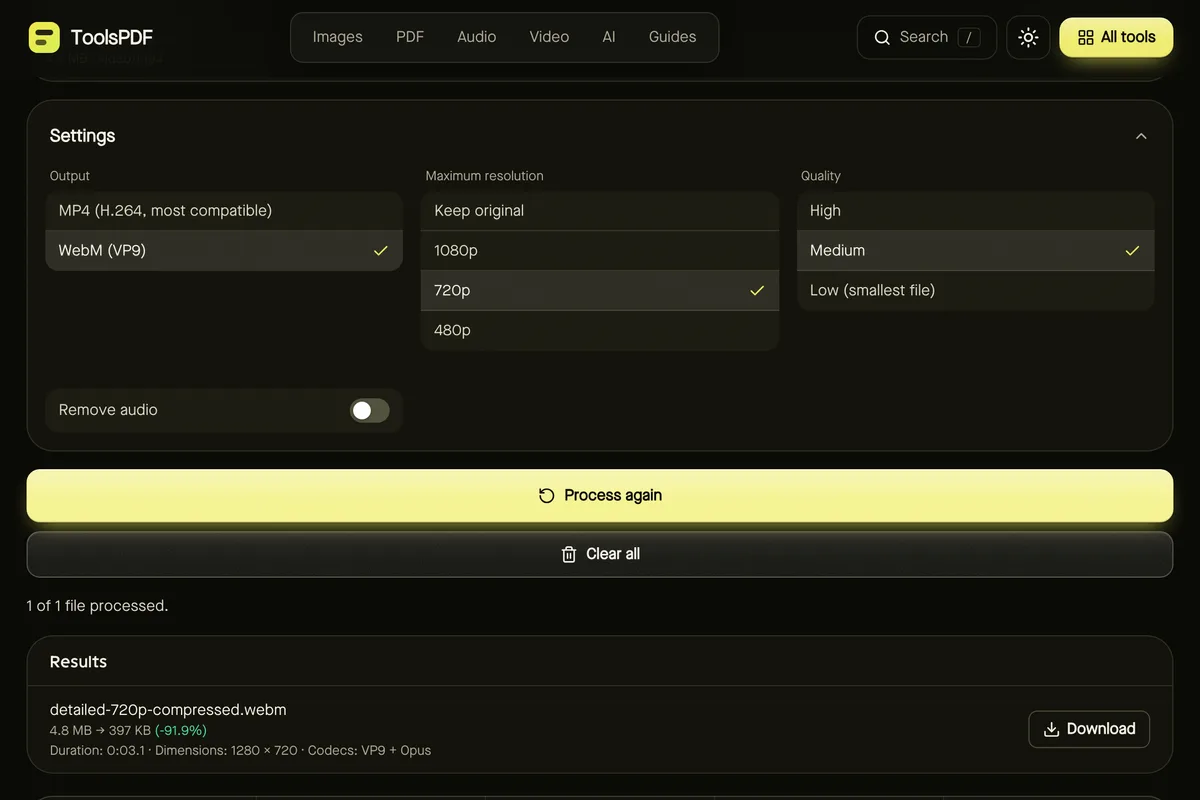
Compress video can output either MP4 (H.264) or WebM (VP9) from MP4, MOV, WebM and MKV inputs — a quick way to turn an awkward file into a widely playable one.
Why a video won't open
If a tool or player rejects a video, the codec inside is usually the cause. For example, HEVC (H.265) video from newer iPhones isn't decoded by every browser. Our tools rely on your browser's built-in decoders, so if one can't read a file you'll get a clear message — trying another browser often helps.
Audio and GIFs
Need just the soundtrack? Extract it to MP3 or another audio format — see audio formats explained. For silent, looping clips, convert a short section to a GIF.
Frequently asked questions
Is MOV better quality than MP4?
Not inherently — quality depends on the codec and bitrate, and both often contain the same H.264 or HEVC video.
Can I just rename .mov to .mp4?
Sometimes it plays, but it's not a real conversion. Re-encode with a tool to be sure it works everywhere.
Are my videos uploaded when converting here?
No. Encoding uses your browser's built-in codecs.