Last updated · 2 min read
Audio formats explained: MP3, AAC, WAV, FLAC and OGG
Audio files come in a confusing mix of extensions, but they fall into two simple groups: lossless formats that keep every detail, and lossy formats that make files much smaller by discarding sounds you're unlikely to hear. Here's how the common ones compare.
The formats at a glance
| Format | Type | Size for 1 min of stereo | Best for |
|---|---|---|---|
| WAV | Uncompressed | About 10 MB | Recording and editing |
| FLAC | Lossless | Roughly half of WAV | Archiving music without loss |
| MP3 | Lossy | About 1–2.4 MB | Sharing; plays everywhere |
| AAC / M4A | Lossy | Similar to MP3 or smaller | Apple devices, streaming |
| OGG (Opus) | Lossy | Smallest for speech | Voice, web and calls |
Lossy sizes depend on bitrate: 128 kbps is about 1 MB per minute, 320 kbps about 2.4 MB.
Lossless: WAV and FLAC
WAV stores raw audio, so it's simple and universal in editing software but large. FLAC compresses the same audio without any loss, typically to around half the size. Use them when you'll edit the audio or want an archival master copy.
Lossy: MP3, AAC and Opus
- MP3 is the most compatible format ever made — cars, old players, any app.
- AAC (usually in .m4a files) sounds a little better than MP3 at the same bitrate and is the default on Apple devices.
- Opus (in .ogg or .webm files) is excellent at low bitrates, especially for speech.
What to choose
- Music to share: MP3 at 192–320 kbps.
- Podcasts and voice notes: MP3 at 96–128 kbps, or Opus for smaller files.
- Editing or archiving: WAV or FLAC.
- Apple-only use: M4A (AAC).
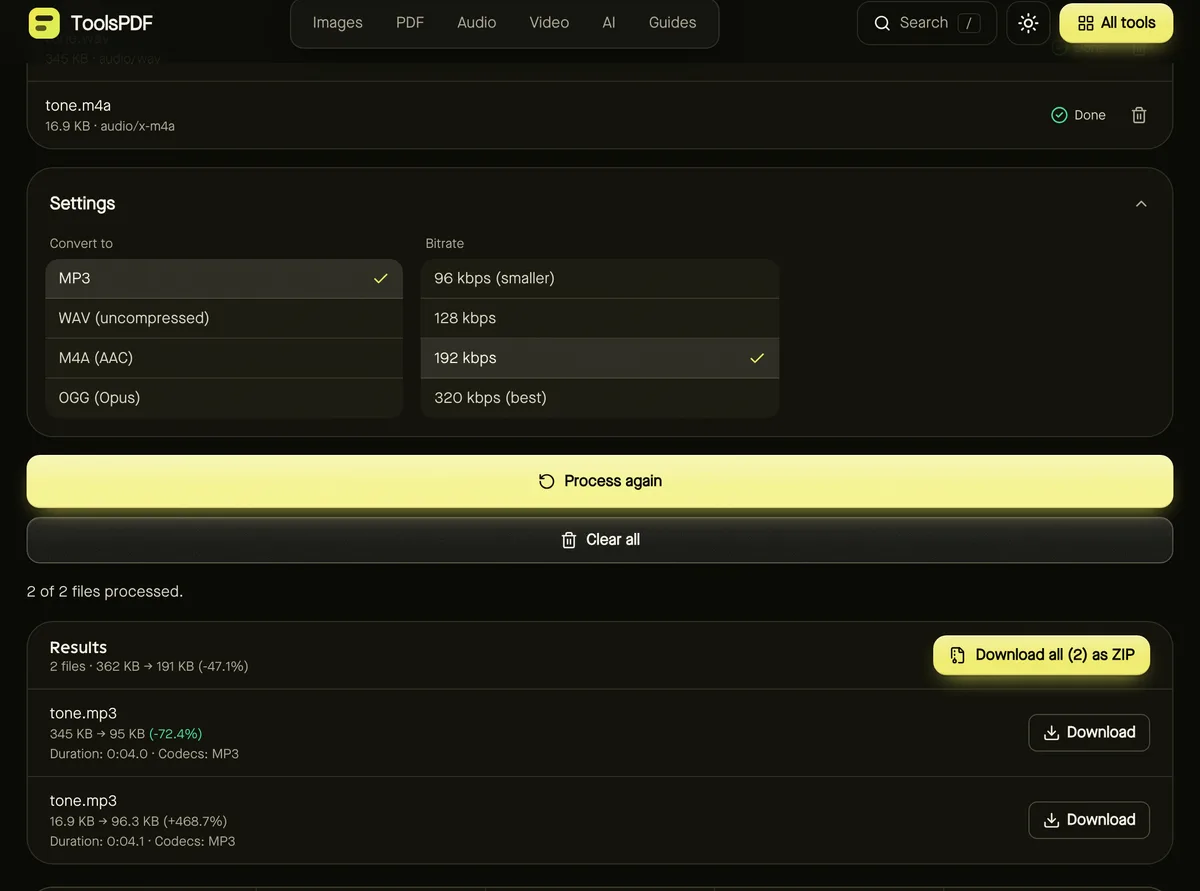
The Audio converter creates MP3, WAV, M4A and OGG from common audio and video files — see how to convert audio to MP3. To shorten a file first, use the Audio cutter.
Browser support notes
In-browser conversion uses your browser's own encoders for AAC and Opus, and not every browser includes them — Firefox, for example, can't currently create AAC. MP3 and WAV output work everywhere.
Frequently asked questions
Can people hear the difference between MP3 and lossless?
At 256–320 kbps, most listeners can't in normal conditions. At low bitrates, differences become noticeable in music.
Does converting MP3 to WAV improve quality?
No. It makes the file bigger but can't restore what MP3 discarded. It's useful only if an editor requires WAV.
Are my audio files uploaded?
No. Conversion happens in your browser.