Last updated · 2 min read
How to make a photo collage in a grid, row or column
A collage turns several photos into one shareable image — a holiday highlight grid, a before-and-after comparison, or a product shown from every angle. Here's how to build one quickly and choose the layout that suits your photos.
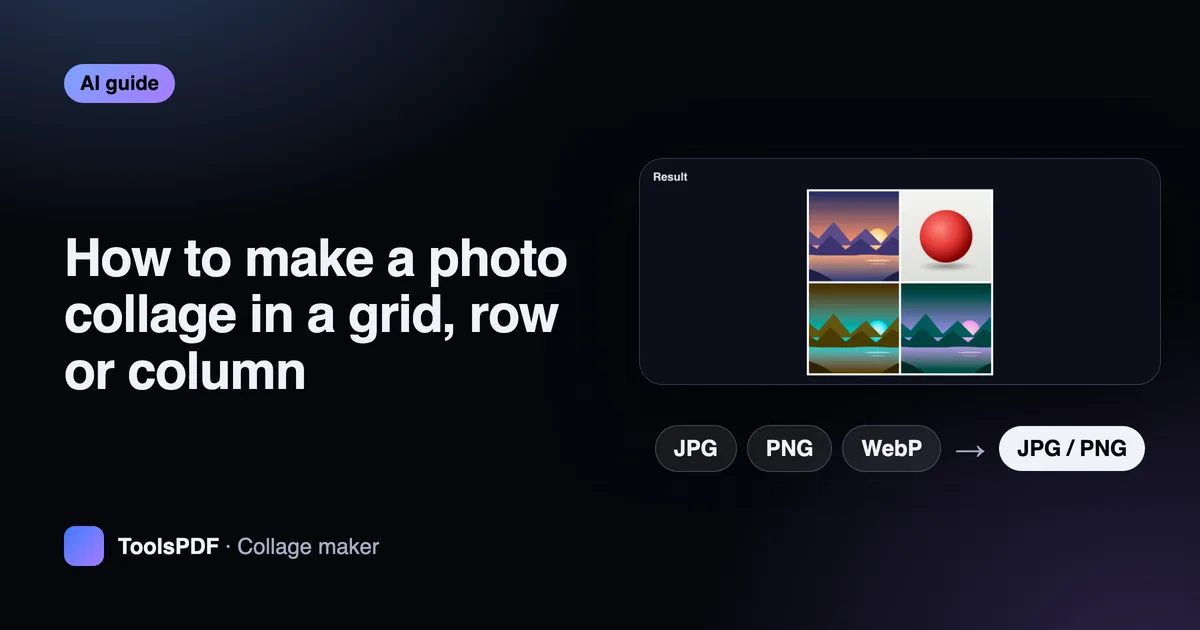
Make a collage step by step
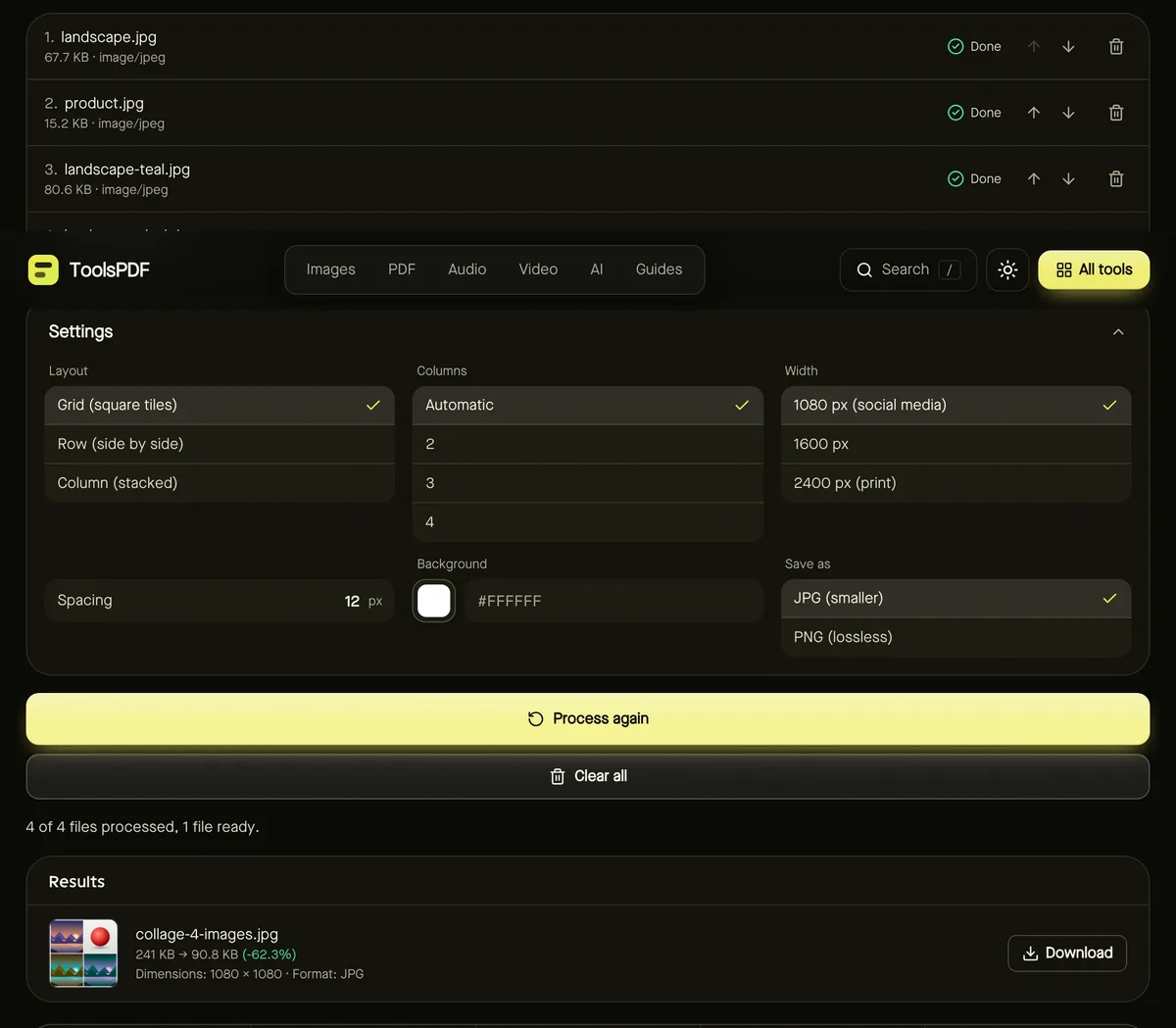
- Step 1: Open Collage maker and add 2–12 photos.
- Step 2: Put them in order with the arrow buttons.
- Step 3: Choose a Layout: Grid, Row or Column.
- Step 4: Set the Width, Spacing and Background colour, and whether to save as JPG or PNG.
- Step 5: Click Start and download your collage.

Choosing a layout
| Layout | How photos are placed | Great for |
|---|---|---|
| Grid | Square tiles; each photo is cropped from the centre to fill its tile | Highlights and social posts |
| Row | Side by side at the same height; nothing is cropped | Before-and-after and comparisons |
| Column | Stacked at full width; nothing is cropped | Step-by-step guides and tall stories |
Size and spacing
- 1080 px wide suits most social feeds.
- 1600–2400 px wide is better for printing or large screens.
- Spacing of 8–16 px with a white or black background gives a clean gallery look; 0 creates a seamless mosaic.
Sharing the result
JPG gives the smallest files for photo collages; choose PNG for graphics or screenshots with text. Want to add a caption? Run the collage through the Meme generator to place text at the top or bottom.
Ideas for collages
- Before and after: two photos in a row, with the 'before' on the left.
- Trip highlights: 4, 6 or 9 photos in a grid for a single social post.
- Product listings: one product from several angles in a grid.
- How-to steps: photos of each step stacked in a column.
Grids work best with 4, 6, 9 or 12 photos, which fill complete rows. With other numbers, the last row is left partly empty and filled with the background colour.
Frequently asked questions
How many photos can I use?
Between 2 and 12 photos per collage.
Can photos be different sizes and shapes?
Yes. Grids crop them to squares; rows and columns scale them so each is shown in full.
Are my photos uploaded?
No. The collage is assembled in your browser.