Last updated · 2 min read
What is DPI? Image resolution explained simply
“Image must be 300 DPI” is one of the most confusing requirements you'll meet. The short version: pixels are what an image really contains, and DPI is just an instruction about how big to print them. Once that clicks, resolution questions become easy.
Pixels, DPI and PPI
- Pixels are the dots that make up a digital image. A 3000 × 2000 photo contains 6 million of them — this is the image's real resolution.
- DPI (dots per inch) describes printer output: how many ink dots per inch.
- PPI (pixels per inch) is how many image pixels are placed in each printed inch. People usually say “DPI” when they mean PPI.
A DPI value stored in an image file is only a label. Changing it from 72 to 300 doesn't add a single pixel or make anything sharper — it only changes the size a printer would use by default.
Calculating print size
Print size in inches = pixels ÷ PPI. For sharp prints, around 300 PPI is the usual target; 150–200 PPI is fine for posters viewed from further away.
| Image size (pixels) | Sharp print at 300 PPI | Acceptable at 150 PPI |
|---|---|---|
| 1200 × 1800 | 4 × 6 in | 8 × 12 in |
| 2400 × 3000 | 8 × 10 in | 16 × 20 in |
| 2480 × 3508 | A4 (8.3 × 11.7 in) | A3 |
| 4000 × 6000 | 13.3 × 20 in | 26.7 × 40 in |
On screens, DPI doesn't matter
Websites, apps and phones display images by pixel size and ignore the DPI label. A 1200-pixel-wide image looks the same whether its file says 72 or 300 DPI. To make an image smaller or larger on screen, change its pixel dimensions with Resize image.
When a form asks for a DPI
Upload checks nearly always test pixel dimensions and file size, not the DPI label. Focus on those — our guide to resizing a photo for online forms shows how. If you really need a particular number of pixels for a given print size, multiply inches by the PPI: a 2 × 2 inch photo at 300 PPI needs 600 × 600 pixels.
Not enough pixels?
Plain enlarging spreads existing pixels out, which looks soft. For small images you need to print bigger, AI upscaling can enlarge 2× or 4× with sharper edges — though it can't recover detail that was never captured. When exporting PDF pages as images, choose the DPI in PDF to JPG: 300 DPI gives print-ready pixels.
Frequently asked questions
Is 72 DPI low quality?
Not by itself. A 4000-pixel image labelled 72 DPI has exactly the same detail as one labelled 300 DPI.
How many pixels do I need for a 4 × 6 inch print?
About 1200 × 1800 pixels at 300 PPI.
Does resizing change DPI?
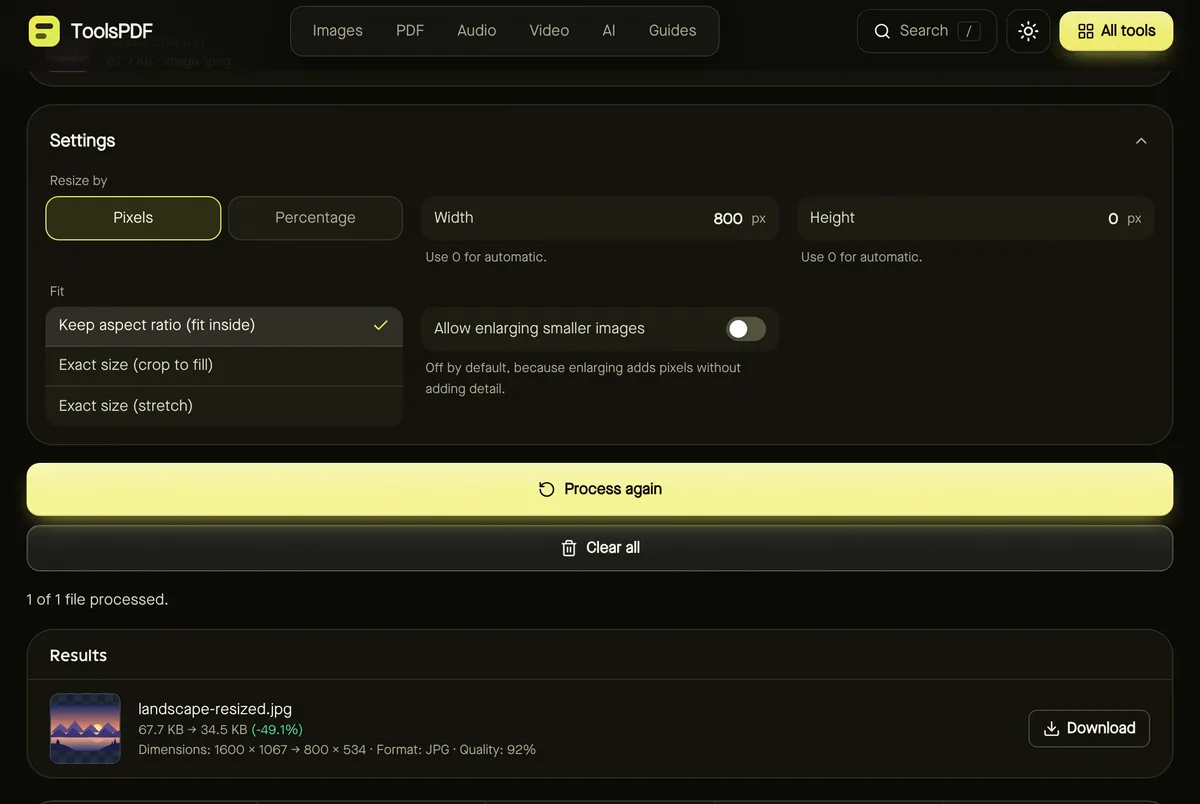
Resizing changes the pixel count, which is what actually affects sharpness and print size.